
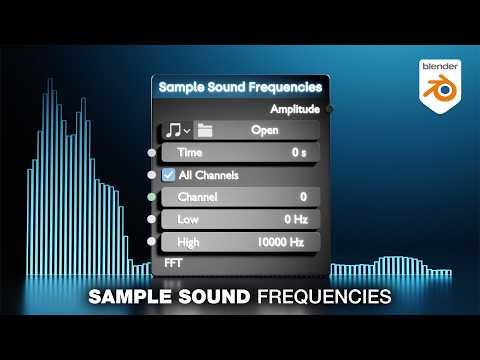
In this Blender 5.2 tutorial we wilk learn how to use the sample sound frequencies node in blender 5.2 geometry nodes.
We will learn how to extract the audio and be able to view it in values. then we will make a flat audio waveform + audio spectrum, and a circular audio waveform + audio spectrum in geometry nodes. and lastly we will be able to view the audio waveform + audio spectrum in the shader editor.
———————————–
Patreon – https://patreon.com/user?u=9011118&utm_medium=clipboard_copy&utm_source=copyLink&utm_campaign=creatorshare_creator&utm_content=join_link
🌐 Connect with me:
– ducky3d.com
– Instagram: https://www.instagram.com/ducky3d/
– Twitter: https://twitter.com/Ducky3d
———————————–
0:00 Intro
02:27 set up sample sound frequencies node
07:00 flat audio waveform + spectrum
10:27 circular audio waveform + spectrum
13:54 view audio spectrum in the shading editor
The Sample Sound Node is So Powerful (Blender 5.2 tutorial)

Posted On in Uncategorized with 0 Comments.