
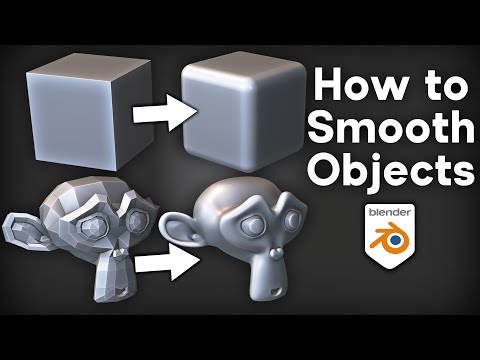
*In this tutorial I will show you how to smooth objects in Blender.*
▶️ *3D Modeling for Beginners:* https://youtu.be/SAcHh9_ZG6A?si=Skju8yL5K9LsORLQ
✅ *Help Support the Channel:*
• Patreon: https://www.patreon.com/ryankingart
• Gumroad: https://ryankingart.gumroad.com/
• YouTube Memberships: https://www.youtube.com/ryankingart/join
● *Timestamps:*
0:00 Shade Smooth
2:32 Smooth Tool
4:44 Smooth Sculpt Brush
6:38 Bevel Tool
8:30 Bevel Modifier
10:34 Sub-Surf Modifier
12:29 Geometry Nodes
13:32 Smooth Modifier
14:39 More Videos to Watch
🎶 *Music Credits:*
Lofi Chill Hiphop by Winniethemoog
Lofi Hiphop Intro 17 by Taigasoundprod
released under CC-BY 4.0. https://linktr.ee/tspmusiclibrary
_________________________________________________________________________
🌐 *My Website Links:*
• All links on my about page: https://ryankingart.wordpress.com/77-2/
• Patreon: https://www.patreon.com/ryankingart
• Gumroad: https://ryankingart.gumroad.com/
• ArtStation: https://www.artstation.com/ryanking
• Superhive: https://superhivemarket.com/creators/ryan-king-art/?ref=738
#ryankingart #blendertutorial #blender
