
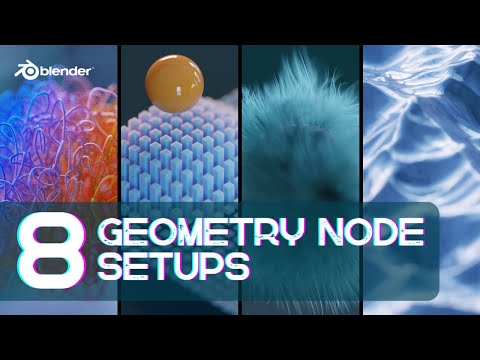
In this tutorial, KennyPhases will be teaching his top 8 most useful geometry node setups in Blender. He will break down each node setup, providing the exact recipe for perfect results.
⭐️ Check out Intro to Geo Nodes by @CGMatter on Superhive – https://b3d.superhivemarket.com/geo-nodes
🗃️ Download the project files free for logged-in members at CG Cookie – https://b3d.cgcookie.com/cg-node-tricks
Here is a quick list of each setup:
1- Procedural Displacement 00:40
2-Geometry Proximity (1:32)
3-Animated Wireframe (2:47)
4-Animated Fur (3:47)
5-Logo/Image Displacement (5:55)
6-Blueprint Generator (7:18)
7-Droplet Generator (8:39)
8-Curve Art (10:00)
Geometry Nodes can feel intimidating. Turns out, they don’t have to be.
Kenny walks through each effect by first showing the full node recipe, then breaking it down step by step so you understand what’s happening and why. The goal is simple: keep things procedural, flexible, and easy to remix into your own projects
Each technique is designed to be bite-sized and remixable, with real-world use cases like motion design, product visualization, technical graphics, and stylized renders. No simulations. No over-engineered node jungles. Just clean Geometry Nodes that stay editable and fast.
If you want Geometry Nodes to feel more approachable and a lot more useful, this is a great place to start.
#blendertutorial #geonodes #b3d
