
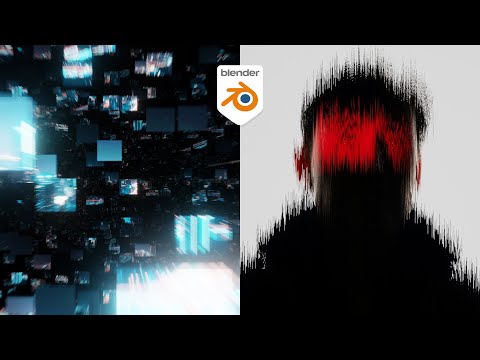
In this blender tutorial we will be displacing images in blender based on the geometry that they’re placed on. We are re-creating effects similar to what you would see in after effects or Photoshop directly inside of Blender
These tutorials are part of a new series where we are looking at using blender like it is Photoshop or after effects. Putting images, logos, and text to make interesting effects. In a way replacing the need for some of those affects being done in Adobe tools
———————————-
Full Playlist – https://youtube.com/playlist?list=PLNShHVjao84eegroP3Npt-94ZGgnwA4ur&si=UOvw8rV7ZcovfISL
20% off an annual Membership here
Patreon – https://patreon.com/user?u=9011118&utm_medium=clipboard_copy&utm_source=copyLink&utm_campaign=creatorshare_creator&utm_content=join_link
🌐 Connect with me:
– Instagram: https://www.instagram.com/ducky3d/
– Twitter: https://twitter.com/Ducky3d
