
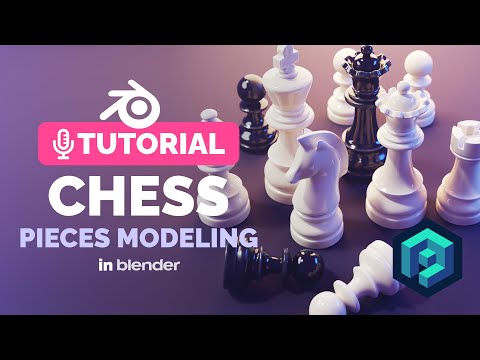
Let’s have fun with Blender modifiers and create detailed models of all chess pieces in as fast as possible.
Want to master illustrations like this? Use SUSHIMASTER code to get a discount and grab one of the courses: https://polygonrunway.com
Join our Discord 🚀https://discord.gg/GxcJHmxdJU
Download the scene for free on Gumroad:
https://gum.co/3d-chessboard
Download the Blender scene file on Patreon:
https://www.patreon.com/posts/96108146
Chess reference: https://eoqj.com/wp-content/uploads/2022/12/chess-set-german-knight-ebonized-boxwood-both-thumb-1100x980__550445628.png
Tutorials playlist: https://www.youtube.com/playlist?list=PLndvTk6JOzUdgiEawLqGBKmJbH_Ijt9IV
Follow me on Instagram: https://www.instagram.com/polygonrunway/ for more 3D modeling and rendering process videos and low poly 3d illustration tutorials in Blender.
250+ scenes on my Patreon: https://www.patreon.com/polygonrunway
#blender3d #3dmodeling #tutorial
