
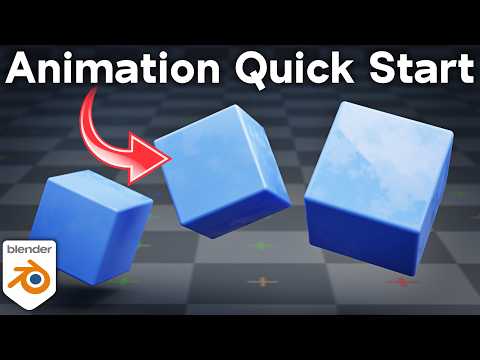
*In this quick start guide tutorial I will teach you the basics of animation in Blender.*
▶️ *More Tutorials to Watch:*
• Animation Playlist: https://www.youtube.com/playlist?list=PLsGl9GczcgBv7JhwAy6LhV3NKgHH0-1FA
• Animation for Beginners: https://youtu.be/CBJp82tlR3M
• Graph Editor for Beginners: https://youtu.be/sc64wS-gukU
⚡ *P2Design Animation Course:* (Affiliate Links)
• Alive Animation Course: https://www.p2design-academy.com/p/alive-animation-course-in-blender/?affcode=1114550_v96ex4cn
✅ *Help Support the Channel:*
• Patreon: https://www.patreon.com/ryankingart
• Gumroad: https://ryankingart.gumroad.com/
• YouTube Memberships: https://www.youtube.com/ryankingart/join
● *Timestamps:*
0:00 Intro
0:31 Animation Basics
2:20 Add Keyframes
6:58 Auto Key
8:39 Delete Keyframe
9:30 Speed & Timing
10:18 Animate Values
13:11 Animation Length
13:34 Keyframe Interpolation
15:08 Pause Animation
16:13 Override Keyframes
17:03 Closing
🎶 *Music Credits:*
Song: Pistachios – Artist: Kia
Music by: CreatorMix.com
_________________________________________________________________________
🌐 *My Website Links:*
• All links on my about page: https://ryankingart.wordpress.com/77-2/
• Patreon: https://www.patreon.com/ryankingart
• Gumroad: https://ryankingart.gumroad.com/
• ArtStation: https://www.artstation.com/ryanking
• Superhive: https://superhivemarket.com/creators/ryan-king-art/?ref=738
#ryankingart #blendertutorial #blender
