
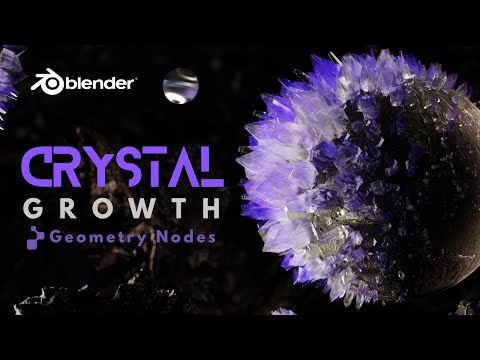
Learn how to create procedural crystal growth in Blender using Geometry Nodes, driven by Geometry Proximity. This tutorial breaks down a complete, non-destructive node system so you understand the logic behind the setup, not just how to copy it.
Starting from a simple mesh, you’ll build a reusable crystal growth system with no sculpting and no manual placement. The techniques shown here are transferable to rocks, minerals, sci-fi growths, and abstract procedural effects.
🗃️ Download the project files (free for logged-in members)
https://b3d.cgcookie.com/blender-crystal-nodes
⭐️ Recommended learning
Intro to Geometry Nodes by @CGMatter on Superhive
https://b3d.superhivemarket.com/geo-nodes-course
⏱ What you’ll learn
0:00 Procedural crystal growth using Geometry Nodes
0:54 Distributing points and instancing geometry
1:29 Aligning instances to surface normals
2:13 Driving growth with Geometry Proximity
2:40 Controlling falloff using Map Range
2:58 Instancing multiple crystal shapes with variation
3:49 Adding random rotation and scale per instance
4:27 Creating a crystal glass material
6:30 Lighting the scene for a realistic result
8:08 Animating procedural crystal growth
8:51 Rendering the final animation
Why this setup matters
This system is fully procedural and reusable, meaning you can:
– Control crystal size, density, and variation
– Swap the base object and instantly regrow crystals
– Animate growth for procedural reveals
– Reuse the logic in other Geometry Nodes projects
The goal isn’t perfection, it’s learning techniques you can adapt and extend in your own work.
Resources used:
https://polyhaven.com/a/boulder_01
#Blender #GeometryNodes #Blender3D
