
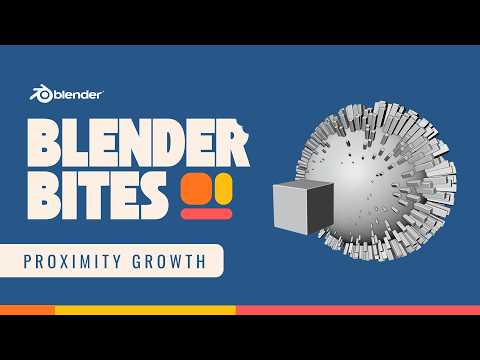
Want geometry to grow or react based on distance in Blender? In this Blender Bites tutorial, you’ll learn how to create a proximity-based growth effect using Geometry Nodes.
This technique allows objects to change, scale, or appear based on how close they are to another object, perfect for motion graphics, procedural effects, and dynamic reveals.
In this video, you’ll learn:
• How proximity works in Geometry Nodes
• How to use distance fields to drive growth
• How to control falloff
• How to animate the effect
• How to refine and stylize the result
Proximity-based effects are powerful tools for procedural animation and motion design.
If you want to master Blender’s full physics system and build stronger foundational knowledge, explore the full Blender Physics course here:
https://b3d.cgcookie.com/blender-physics
CG Cookie provides structured, production-ready Blender training. Subscribe for more Blender fundamentals and bite-sized tutorials.
#Blender #GeometryNodes #BlenderTutorial #Procedural
