
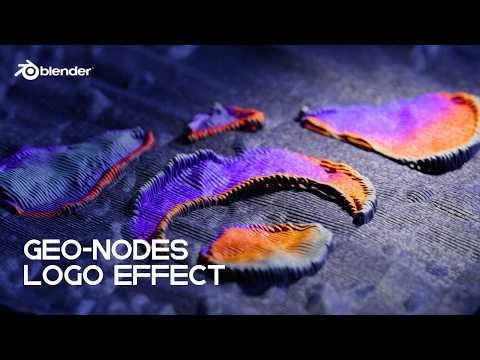
In this tutorial, you’ll learn how to create a pro-level logo effect in Blender using Geometry Nodes. We’ll turn a flat logo or image into animated, flowing curves driven by textures, noise, and procedural logic, no add-ons required. This setup works with virtually any logo and is fully customizable, from motion speed to thread density.
You’ll see how to:
• Build a flexible Geometry Nodes system from scratch
• Drive form using image textures and UVs
• Convert meshes to curves for a clean, threaded look
• Add subtle procedural animation with 4D noise
• Finish the effect with materials, lighting, and camera setup
If you’re new to Blender or feel shaky on the fundamentals, don’t brute-force advanced tutorials like this. You’ll move faster—and understand why things work—by locking in the basics first.
👉 Learn Blender the right way with CG Cookie’s Blender Basics course:
https://b3d.cgcookie.com/b3d-basics
Structured lessons, real production workflows, and zero fluff.
Once the fundamentals click, Geometry Nodes stops feeling like magic and starts feeling like leverage.
