
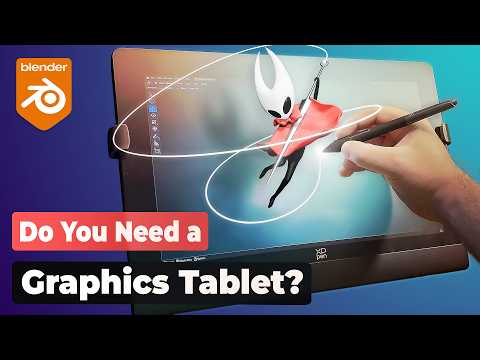
In this video, Jim Morren goes over all the different input methods for sculpting in Blender. Do you need a graphics tablet, display tablet, or are you fine just using a mouse? Find out in this video what would be the best fit for you.
⇨ Get ”XP-Pen Artist Ultra 16” €50 Off: https://bit.ly/4o7xw6m
⇨ Free Blender Sculpting Course: https://youtu.be/KURuPAVJ6hM
⇨ Paid Blender Sculpting Course: https://cgboost.link/master-sculpting-9b15ad
⇨ Blender Shortcut PDF: cgboost.com/resources
⇨ Huion Tablets: https://huion.com/
CHAPTERS
00:00 – Intro
00:36 – Input Options
01:05 – The Mouse
02:43 – Pen Tablets
03:31 – How they work
05:38 – Using a Pen Tablet
08:52 – Display Tablets
11:59 – Next Gen Display Tablets
16:01 – What should you get?
17:02 – Final Comments
MY SYSTEM
CPU: Intel Core i9-12900K 3.19 GHz
GPU: GeForce GTX 3080
RAM: 64 GB
FOLLOW CG BOOST
⇨ X: https://twitter.com/cgboost
⇨ Instagram: https://www.instagram.com/cg_boost/
⇨ Facebook: https://www.facebook.com/cgboost
⇨ Web: https://cgboost.com/
