
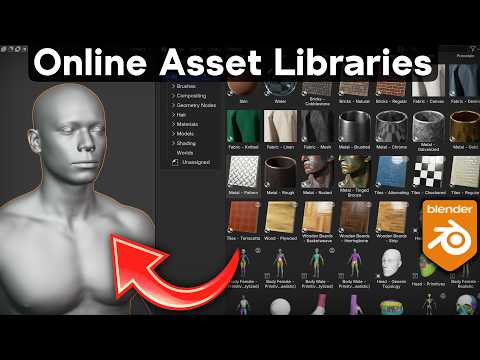
*In this tutorial I will show you how to use the new online asset library system in Blender 5.2.*
▶️ *New Blender Features Playlist:* https://www.youtube.com/playlist?list=PLsGl9GczcgBtmZnSZGWtfyX96UYB-_rRh
🗃️ *My Asset Libraries:*
• Ultimate Materials: https://ryankingart.gumroad.com/l/ultimate-materials
• Low Poly: https://ryankingart.gumroad.com/l/lowpoly-pack
• Furniture and Home: https://ryankingart.gumroad.com/l/furniture-pack
• Light Gobos: https://ryankingart.gumroad.com/l/gobo
• Christmas Ornaments: https://ryankingart.gumroad.com/l/ornaments-pack
👤 *Blender Free Character Models:* https://www.blender.org/download/demo-files/
🗃️ *Create Your Own Asset Libraries:* https://youtu.be/jpz13q52YWM
✅ *Help Support the Channel:*
• Patreon: https://www.patreon.com/ryankingart
• Gumroad: https://ryankingart.gumroad.com/
• YouTube Memberships: https://www.youtube.com/ryankingart/join
🎶 *Music Credits:*
Alge – Make the Visible Invisible – from YouTube Audio Library
_________________________________________________________________________
🌐 *My Website Links:*
• All links on my about page: https://ryankingart.wordpress.com/77-2/
• Patreon: https://www.patreon.com/ryankingart
• Gumroad: https://ryankingart.gumroad.com/
• ArtStation: https://www.artstation.com/ryanking
• Superhive: https://superhivemarket.com/creators/ryan-king-art/?ref=738
#ryankingart #blendertutorial #blender
