
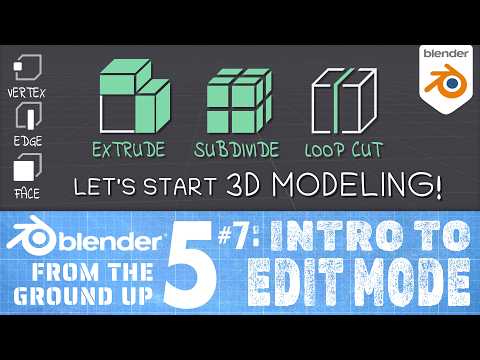
In this tutorial we’ll cover the first steps of learning to 3D Model in Blender! Solid mesh objects in Blender have an *EDIT MODE* for editing their shape in detail: where you can manipulate their vertices (one vertex at a time, or multiple vertices at once), edges, and faces. Edit Mode in Blender is very powerful, and it includes many tools for rapidly changing the shape of a mesh, including the Extrude tool, Subdivide, Loop Cut, and more. In this tutorial I hope to give you a strong start to understanding how you go about modeling your own custom objects in Blender!
Thanks for watching! Don’t forget to LIKE & SUBSCRIBE! 🥰 👍
************************
Visit this Blender 5 From the Ground Up Playlist: https://www.youtube.com/playlist?list=PLda3VoSoc_TQw7ySiuGpkp7yFcEqrxXNK
❤️ DONATE ❤️ to support my channel via PayPal: https://goo.gl/ThkwyG
*****************
*note: in this lesson I use Blender 5.1.0
********************************
LIKE and FOLLOW me on:
FACEBOOK: http://www.facebook.com/BornCG
INSTAGRAM: https://www.instagram.com/born.cg/
X / TWITTER: https://twitter.com/BornCG
Reddit: https://www.reddit.com/u/BornCG
****************
Nicolas from the band ’The Lazy Saviours’ created my Intro Jingle!
****************
