
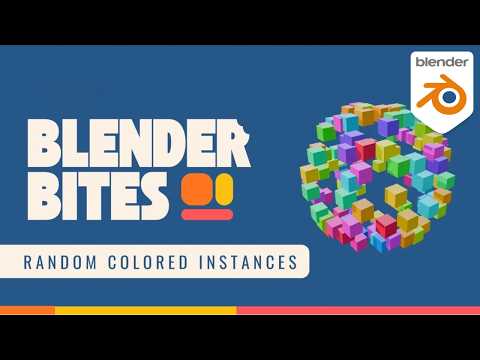
Want to quickly add variation and visual interest to your Blender scenes? In this Blender Bites tutorial, you’ll learn how to randomize colors across objects using a simple, efficient setup.
Random color variation is perfect for:
• Abstract renders
• Motion graphics
• Product variations
• Stylized scenes
• Breaking up repetitive visuals
In this video, you’ll learn:
• How to use object info for randomness
• How to drive color variation procedurally
• How to control distribution
• How to refine the look
Small procedural tweaks like this can dramatically improve your renders.
If you want to go deeper into Blender’s core systems and build stronger fundamentals, explore the full Blender Physics course here:
https://b3d.cgcookie.com/blender-physics
CG Cookie provides structured, production-focused Blender training.
Subscribe for more Blender fundamentals and bite-sized tutorials.
#Blender #BlenderTutorial #Procedural #Blender3D
