
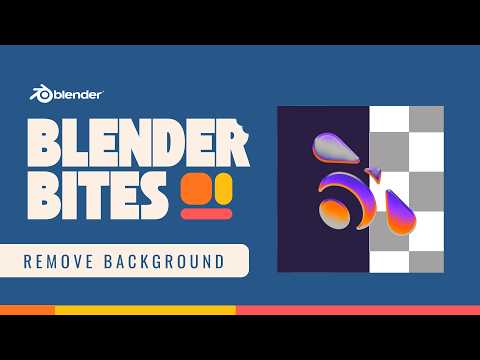
Need to remove the background from an image inside Blender? In this Blender Bites tutorial, you’ll learn a quick method to create a transparent cutout using Blender’s tools.
This technique is useful for:
• Creating transparent PNG-style cutouts
• Motion graphics and compositing
• Product mockups
• Logo or graphic placement in 3D scenes
In this video, you’ll learn:
• How to import an image into Blender
• How to isolate the subject
• How to remove the background
• How to render with transparency
• How to use the result in your scenes
Small workflow tricks like this can save time and improve the flexibility of your assets.
If you want to go deeper into Blender’s physics systems and build stronger foundational skills, explore the full Blender Physics course here:
https://b3d.cgcookie.com/blender-physics
CG Cookie provides structured Blender training designed to build production-ready skills.
Subscribe for more Blender fundamentals and bite-sized tutorials.
#Blender #BlenderTutorial #Blender3D #Compositing
