
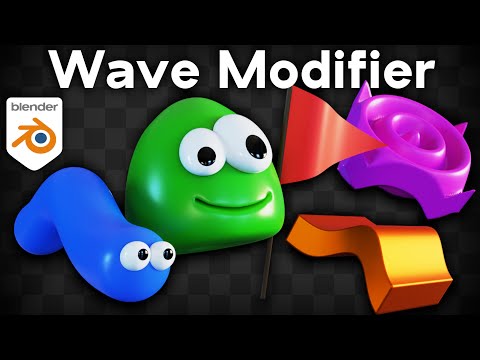
In this Blender tutorial I will show you how to use the wave modifier.
⚡ Alive! Animation Course (Affiliated Link): https://www.p2design-academy.com/p/alive-animation-course-in-blender/?affcode=1114550_v96ex4cn
🗃️ Download the free project files:
• Gumroad: https://ryankingart.gumroad.com/l/wave-modifier
• Patreon: https://www.patreon.com/posts/96769090
▶️ Understanding Normals in Blender: https://youtu.be/cn5BC3Vzcsc?si=QtGVkM82_jYsdXUa
✅ Help Support the Channel:
• Patreon: https://www.patreon.com/ryankingart
• Gumroad: https://ryankingart.gumroad.com/
• YouTube Memberships: https://www.youtube.com/ryankingart/join
🎶 Music Credits:
Samba Isobel Kevin MacLeod (incompetech.com)
Licensed under Creative Commons: By Attribution 3.0 License
http://creativecommons.org/licenses/by/3.0/
● Timestamps:
0:00 Intro
1:11 Adding Mesh Detail
3:47 Wave Modifier Settings
11:21 Add Wave to all Objects
13:31 Closing
_________________________________________________________________________
🌐 My Website Links:
• All links on my about page: https://ryankingart.wordpress.com/77-2/
• Patreon: https://www.patreon.com/ryankingart
• Gumroad: https://ryankingart.gumroad.com/
• Artstation: https://www.artstation.com/ryanking
• Blender Market: https://blendermarket.com/creators/ryan-king-art
• Sketchfab: https://sketchfab.com/ryankingart
• Website: https://ryankingart.wordpress.com/
#ryankingart #blendertutorial #blender
