
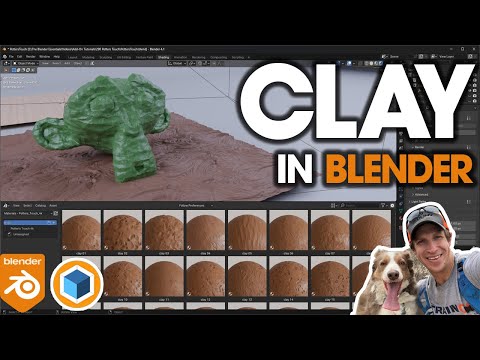
In this video, we check out the new Potter’s Touch add-on for Blender – a collection of 26 realistic PBR textures for creating clay models in Blender!
CHECK OUT POTTER’S TOUCH
http://www.theCGEssentials.com/PottersTouch
*Note this link is an affiliate link, meaning I receive a commission if you purchase through the link. I was not paid to create this video. I did receive a copy of this add-on from the developer to try out.
CHECK OUT REAL WOOD TEXTURES
http://www.theCGEssentials.com/RealWoodTextures
*Note this link is an affiliate link, meaning I receive a commission if you purchase through the link. I was not paid to create this video. I did receive a copy of this add-on from the developer to try out.
Want to Support The CG Essentials?
http://www.patreon.com/thecgessentials
Add-On Links (Affiliate Links)
Scatter – http://www.thecgessentials.com/scatter
Flip Fluids – http://www.thecgessentials.com/flipfluids
Car and Transportation Rigged Vehicle Library – https://thecgessentials.com/Transportation
City Pack Cars Rigged Car Library – https://thecgessentials.com/CityPackCars
Curve Array Pro – https://thecgessentials.com/CurveArrayPro
Botaniqu Tree and Grass Library – https://thecgessentials.com/Botaniq
Open Street Map – https://thecgessentials.com/OSM
Curve Basher – https://thecgessentials.com/CurveBasher
Node Preview – https://thecgessentials.com/NodePreview
Tree Vegetation Library Add On – https://thecgessentials.com/vegetation
Decal Machine – https://thecgessentials.com/DecalMachine
Human Generator – https://thecgessentials.com/HumanGenerator
Fluent Stressless Modeling Tool – https://thecgessentials.com/Fluent
Fluent Materializer Material Creation Tool – https://thecgessentials.com/FluentMaterializer
Materialiq – Materials Library – https://thecgessentials.com/Materialiq
Traffiq Vehicle Library – https://thecgessentials.com/Traffiq
Disclaimers: all opinions are my own, sponsors are acknowledged. Product Links in the description are typically affiliate links that let you help support the channel at no extra cost.
TIMESTAMPS
0:00 – Introduction
0:11 – Where to find Potter’s Touch
1:24 – Using Potter’s Touch Clay Materials
2:13 – Roughness and Reflective Sheen
2:40 – Adjusting texture size
2:51 – Using the clay displacement
4:10 – Different Clay styles
4:39 – Adjusting clay colors
5:43 – Animating clay with frame stepping
6:32 – Animating clay with displacement
