
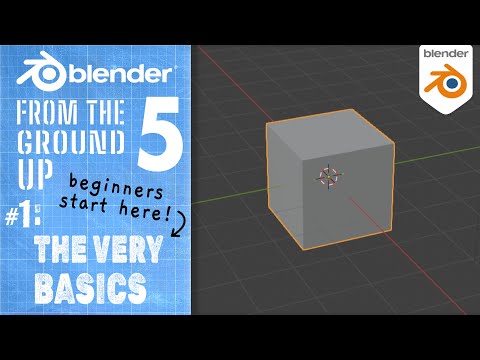
In this tutorial we’ll go over the very very basics of what you need to know to get started using Blender 5 for the first time! Aimed at the complete beginner, this tutorial covers where to get Blender, viewport navigation, transforming objects (move/rotate/scale), adding objects, standard front/side/top orthographic views, and a few important keyboard shortcuts.
Thanks for watching! Don’t forget to LIKE & SUBSCRIBE! 🥰 👍
************************
Visit this Blender 5 From the Ground Up Playlist: TBA
************************
❤️ DONATE ❤️ to support my channel via PayPal: https://goo.gl/ThkwyG
*****************
Play and Download the Finished 3D Platformer Game Online Now!: https://borncg.itch.io/3d-platformer-game (use: Chrome/Edge/Firefox to play the web game version)
*****************
*note: in this lesson I use Blender 5.0
********************************
LIKE and FOLLOW me on:
FACEBOOK: http://www.facebook.com/BornCG
INSTAGRAM: https://www.instagram.com/born.cg/
X / TWITTER: https://twitter.com/BornCG
Reddit: https://www.reddit.com/u/BornCG
****************
Nicolas from the band ’The Lazy Saviours’ created my Intro Jingle!
****************
