
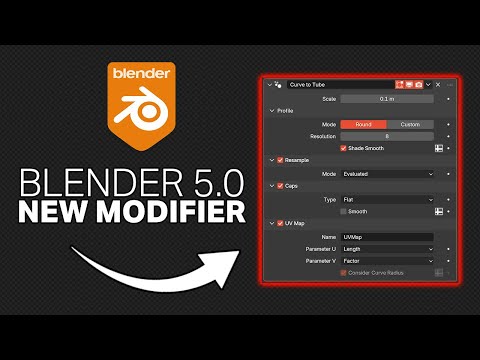
In this short Blender tutorial, we’ll take a look at the new Curve to Tube modifier in Blender 5.0. What it does is create cylindrical or custom shape along any curve object. Another great feature is the automatic UV maps that are generated for easy texturing or materials.
For all tutorial Blend files check out the Patreon – https://www.patreon.com/c/BlenderMadeEasy
Subscribe for more Blender Tutorials! youtube.com/blendermadeeasy?sub_confirmation=1
Check out My Book on Blender Simulations!
https://packt.link/5eT0c
Come join the Discord! – https://discord.gg/2YcMjXK
Download Blender – www.blender.org
Come follow me on social media!
Skillshare Page – https://www.skillshare.com/r/profile/Stephen-Pearson/1431434
Udemy Page – https://www.udemy.com/user/stephen-pearson-3/
Instagram – https://www.instagram.com/blendermadeeasy/
Twitter – https://twitter.com/BlenderMadeEasy
Facebook –https://www.facebook.com/pages/Blender-Made-Easy/654488747984849
Website – www.blendermadeeasy.com
Gaming Channel – www.youtube.com/therealsyberius
PC Specs
i7-9700k 3.60Ghz
Geforce RTX 2060
48GB DDR4
1Tb SSD 1Tb Hard Drive
Make sure you leave a like and subscribe! 🙂
Replay the Video!
https://youtu.be/amWkzMIMdps
