
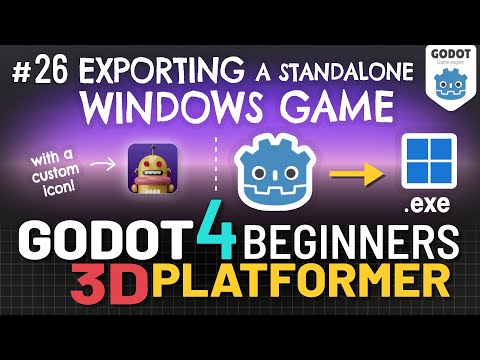
In this lesson we’ll learn how to export our Game from Godot to a standalone Windows program: a .exe, so it can be distributed and played by anyone running Windows, even without Godot. We’ll also create a custom .ico Windows icon so our game doesn’t have the default Godot Icon, and make sure the game’s taskbar & title bar icons are custom as well.
Thanks for watching! Here are the video chapter timecode links:
– 0:00 – Video Intro
– 0:10 – Lesson Overview
– 0:46 – Fixing the Game’s Win Condition
– 1:16 – Setting the Game Window Size
– 2:29 – Setting the Game’s Stretch Mode
– 5:33 – Turning off Resizing
– 6:05 – Installing Export Templates
– 7:27 – Settings: Export For Windows
– 9:57 – The Program File’s Icon…
– 11:55 – Creating a .ico Icon file
– 14:36 – Setting the Icon in Godot
– 14:54 – Setting the Title Bar Icon…
– 15:26 – Installing rcedit
– 19:17 – Exporting the Final .exe
– 20:16 – Running the Standalone Game!
– 20:48 – Wrap-Up & Outro
Don’t forget to LIKE & SUBSCRIBE! 🥰 👍
❤️ DONATE ❤️ to support my channel via PayPal: https://goo.gl/ThkwyG
*****************
DOWNLOAD the .zip file containing all the two .png icon image files and the .ico:
https://borncg.itch.io/3d-platformer-game-program-icons
*****************
Play and Download the Finished 3D Platformer Game Online Now!: https://borncg.itch.io/3d-platformer-game (use: Chrome/Edge/Firefox to play the web game version)
*****************
*note: in this lesson I use Godot 4.1.1
********************************
LIKE and FOLLOW me on:
FACEBOOK: http://www.facebook.com/BornCG
INSTAGRAM: https://www.instagram.com/born.cg/
X / TWITTER: https://twitter.com/BornCG
Reddit: https://www.reddit.com/u/BornCG
**********************************
Visit this Godot 4 Beginners 3D Platformer Course playlist!:
https://www.youtube.com/playlist?list=PLda3VoSoc_TTp8Ng3C57spnNkOw3Hm_35
Visit my Let’s Learn Blender! Tutorial Series playlist:
https://www.youtube.com/playlist?list=PLda3VoSoc_TQrLrt-voecHs0Mb5qzk2S3
****************
Nicolas from the band ’The Lazy Saviours’ created my Intro Jingle!
****************
